
Holocure is one of the most famous hololive fanmade game developped by Kay Yu. It is a fun Vampire Survivors inspired game that let you take control of Hololive best talents.
Introduction
Holocure is one of the most famous hololive fanmade game developped by Kay Yu. It is a fun Vampire Survivors inspired game that let you take control of Hololive best talents.
This tutorial works on macos Sonoma 14.1. I expect it to work on older versions of macos as well. Please leave a comment if you have any issue, I’ll update the tutorial accordingly.
If you like this game, I strongly encourage you to support the developer by leaving a comment on the steam page of the game: Holocure on Steam. It is free and it will help the developer to get more visibility.
Method 1: Download the launcher
This works only on macos Sonoma or later. If you have an older version of macos, please follow the method 2.
For convenience, I already create a launcher and you can download Holocure 0.6 here directly:

Few things to notice though:
- This may not be the latest version of the game: I will not update the file for every new versions of the game. If you want to play the latest version, please follow the method 2.
- This is not the official launcher: In general, you should avoid downloading and running executable files from the internet, it could be dangerous. With Mowse, we take the security of the files we host very seriously.
Method 2: (Recommended) Build the launcher yourself with wine
What we will do is to use a software called Wine. It is a software that let you run windows software on macos, including the Holocure launcher! It runs very well and it is very easy to use.
Step 1: Download the windows version of the game
First, you should download the windows version of the game. You can find it on the steam page of the game here:
Once download, you should have a zip file. Unzip it by double clicking on it. You should get a folder like this:
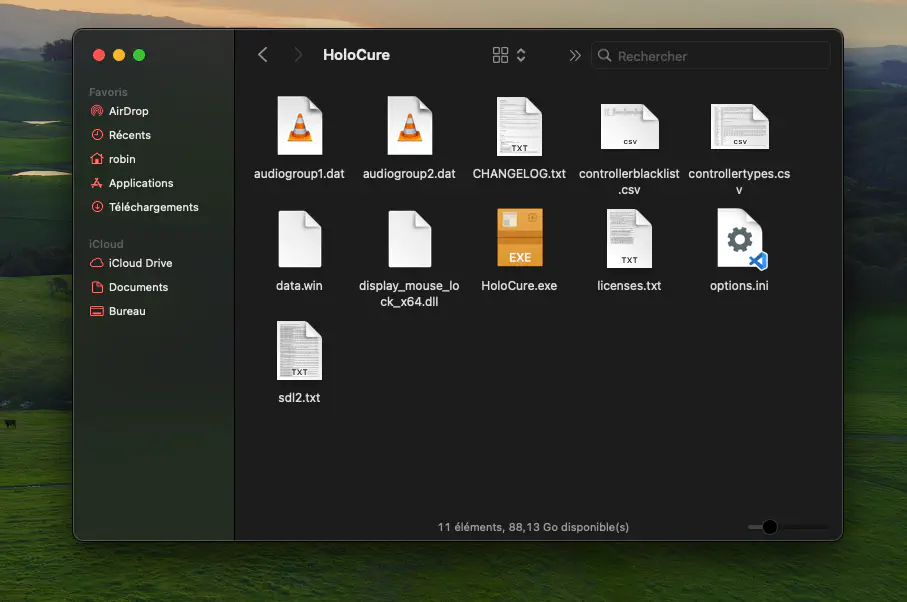
Holocure files
Step 2: Download Wineskin
You can download wineskin here, again, unzip it by double clicking on it:
Step 3: Open Wineskin Winery
First start by launching Wineskin Winery. If you click directly on the launcher, you will get the following error:
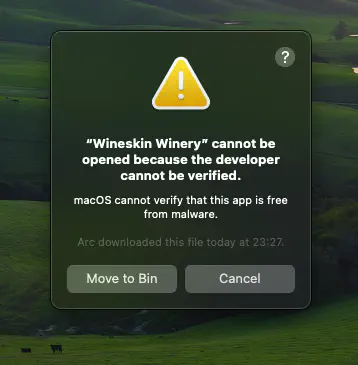
Wineskin Winery: Error Impossible to open
Instead: right click on the launcher and select Open.
Then you will get the following message:
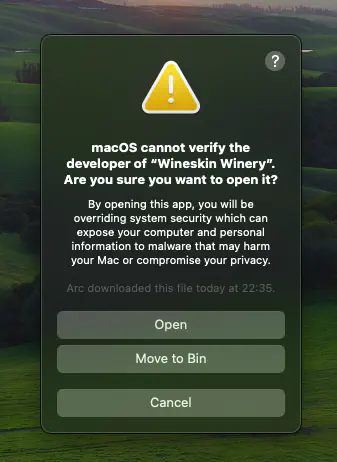
Winekin Winery Open
Click on Open again.
Step 4: Create the wrapper
Now you should see the following window:
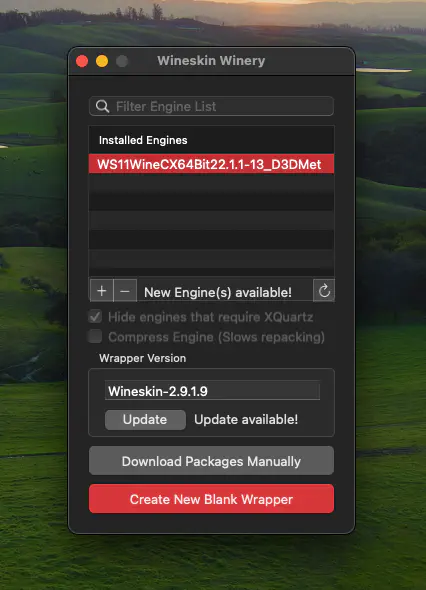
Wineskin Winery
First update the wrapper.
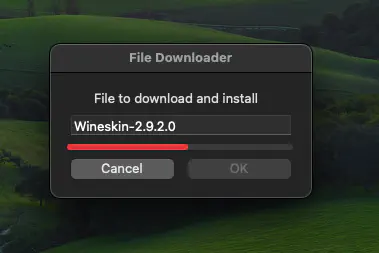
Update the wrapper
Then click on Create New Blank Wrapper. Name it Holocure (or whatever you want). and click on OK.
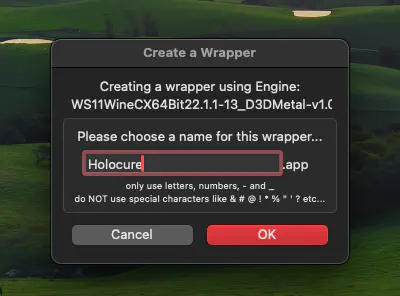
Name the wrapper
Then the wrapper is created.
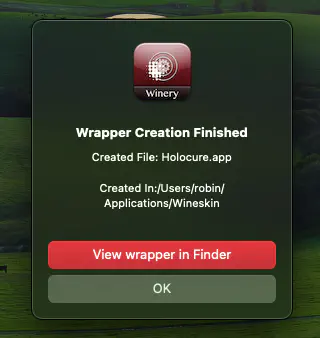
Wrapper done
Click on View wrapper in Finder.
Step 5: Install the game
Open the wrapper and click on Install Software. If you lost your file, just search for Holocure.app in your finder.
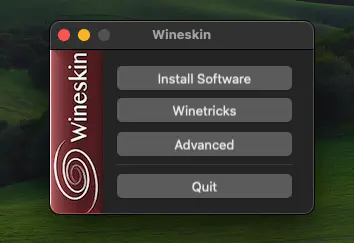
Alt text
- Click on Install Software.
- Then Copy a folder inside and select the folder where you unzip the game. Probably in your
Downloadsfolder. - Click on ok and wait for the installation to finish.
Step 5.5: (Optionnal) Add the game icon
You can add the game icon to the wrapper by clicking on Advanced and then Browse. Select the Holocure.exe file in the game folder.
You can download the icon here: Holocure Icon
You should have in your application folder a wrapper with the game icon.

Holocure Icon
Step 6: Run the game
You can just click on the wrapper to run the game.
You may have some warning messages. Just click on OK multiple times. In my case it worked perfectly fine.
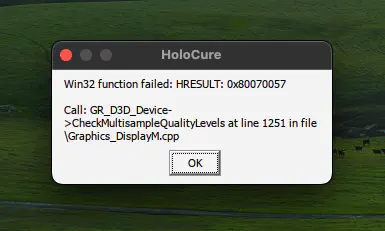
Warnings messages
And then you can enjoy the game! Have fun! Again if you like the game, please leave a comment on the steam page of the game: Holocure on Steam
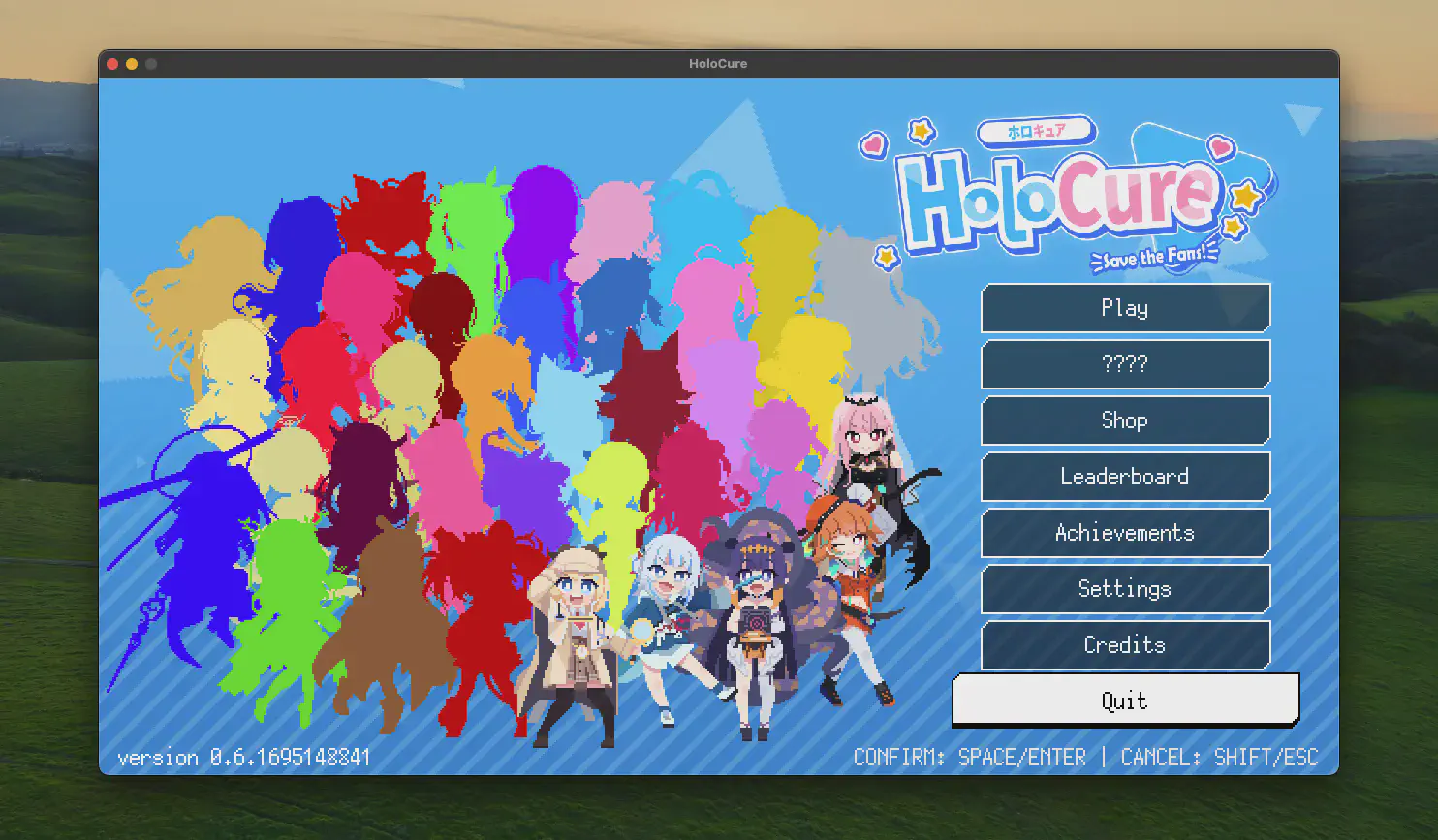
Holocure Game on macos Sonoma
I hope it was helpful. If you have any issue, please leave a comment and I’ll try to help you.
Other methods
The Holocure game is quite light weight, therefore quite easy to run on macos. There’s a lot of compatibel way of running the software.
- CrossOver (paid): https://www.codeweavers.com/crossover
- Parallels (paid): https://www.parallels.com/eu/
Holodata: The Hololive fanmade stats website
If you are an Hololive fan, you may also be interested in the Holodata website. It is a website that let you see the stats of the Hololive talents. You can see the number of subscribers, the number of games played, interactions. It is still in a beta but you can maybe still find some interesting informations there.
You can find the website here: Holodata
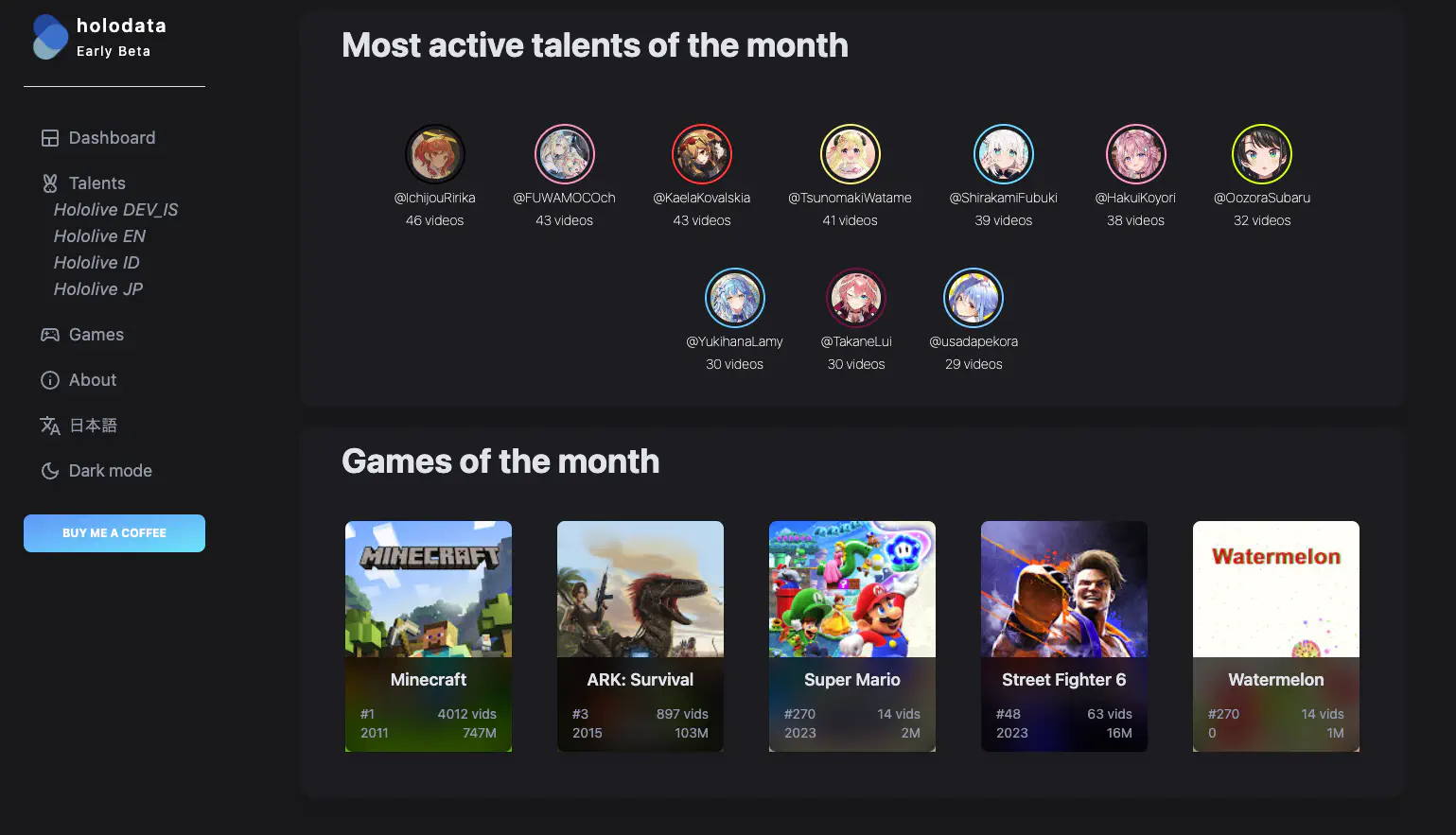
Holodata: https://holodata.mowse.dev